Photography Tips

Snow Leopard Photoshop edit removing cage fencing from photograph

This week one of my former photography students, Betty, contacted me about editing a photo she made that she really liked, but had one serious flaw.  She told me she wanted to be able to make a print of a photograph of a snow leopard she had made, but.....there was facing across the entire image.  She asked if I could remove it.  Upon first looking at the sample she sent I thought no way, at least not in a way that would look good.  However, I often think this initially when looking at a challenging photo edit and after some time my brain starts to formulate some possible solutions.  Still, there was one fatal part of the photo that could not be fixed, the cat's right eye.

Lines and blemishes over and across simple surfaces are usually not hard to correct, such as the case with the wires goings over the fur of the leopard.  However, anything over eyes basically provides an unfixable problem.  After some thinking....my solution?  Copy the cat's left eye, mirror it, and just put it over the problematic right eye!  

It worked better than I thought it would.  To add some differences I removed some reflections in the "new" right eye along with a few changes to the upper eye brow area.  I will not say removing the rest of the wiring was easy or simple, but those edits were a much more straight forward technique of first using the healing brush and then the clone stamp tool to clean up any lingering obvious edits.  Photoshop CS5 was used for these major lifting edits, as I call them.

After removing all the wiring I then applied my normal digital editing workflow to the image to produce the final, fully edited photograph above.  So the next time you think a photograph is impossible to fix in Photoshop, give it a few minutes and maybe a solution will come to you.  Or, send the photo to me as I offer digital photo editing services of all kinds.
1-on-1 Nikon D4 DSLR Photography Lesson with Stacy in St. Petersburg Florida

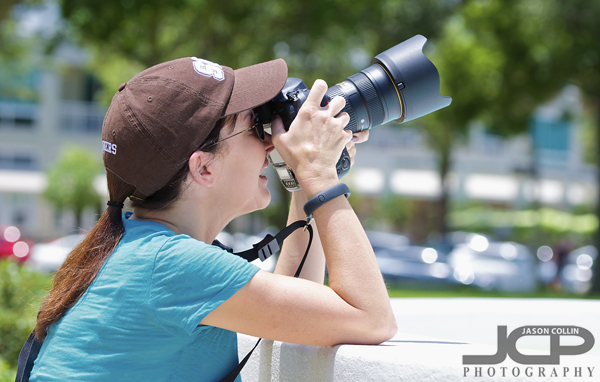
Stacy using a stable shooting position to balance the weight of her Nikon D4 during our photography lesson in St. Petersburg FloridaOver the first seven months of 2013, Stacy has become my most prolific student of all-time, starting with the group lessons she took at my Morean class, and now this was her twelfth 1-on-1 photography lesson (thanks Stacy!).  She has been learning from start to very finish how to be a modern DSLR photographer.  By that I mean she is learning what gear to get to fit her photography needs, how to use that gear in the field, then as important what to do with the RAW images once she returns home.  I have spent many hours in her home office getting her iMac setup with software and features to create the same seamless digital photography workflow I have on my own Mac based work station.  This also includes how to make regular backups of all her photos (and other computer files too) and ultimately how to share them in a secure online location with friends and family.  It is a reality that to be a complete DSLR photographer, not insignificant computer skills are also needed, that is if you wish to edit your photos (of course!) and to share your work and have it be seen (yes of course too!).  

This latest lesson though was a more traditional out in the field one, which means my usual downtown St. Petersburg location.  Stacy shoots with a Nikon D4 (yes, a D4, not a typo) and f/2.8 lenses, so gear weight and shooting ergonomics are especially concerning issues for her.  I stressed the importance of always shooting with a stable stance (legs wide apart) and shooting perpendicular to the subject so that the left arm acts as a monopod.  Then of course there is the simple matter of having the right bags for safely and conveniently carrying photo gear.  I gave Stacy advice on that based on seeing her non-camera specific bag she was using, that had to be placed on the ground each time she wanted to take a shot.

Stacy has already signed up for lessons 13-16 which will feature more practical shooting lessons as well as further refining her digital workflow.

Portrait Photograph Tip - set the focus on the eyes

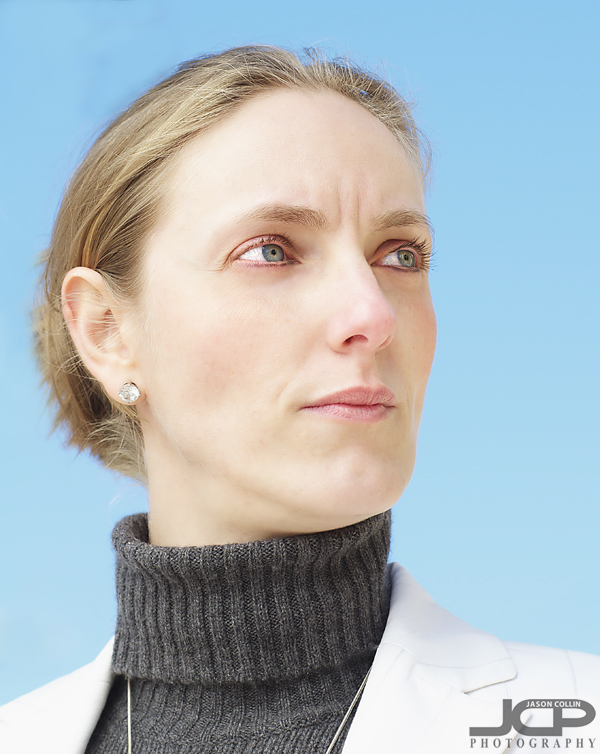
When making a portrait, set the focus on the eyes, then recompose.I always use a single focus point when photographing still subjects.  Most of the time I keep that single focus point in the center, and the recompose how I want the final image to look.  Of course for shooting still subjects I use AF-S (one shot) focus mode.  So when making portraits using the settings described previously, I set the focus on the subject's eyes, then recompose because the most important thing with a portrait is getting the eyes in focus.  

Very rarely do I center subjects, and in a portrait the eyes of the subject are not very likely to end up perfectly centered as well.  In the above shot I first put my center focus point on the subject's eyes, then recomposed to put her eyes in the upper third of the frame (also her right eye ends exactly at the right horizontal third).

So when making portraits, set the focus on the eyes, then recompose how you like.

1-on-1 Nikon D5100 DSLR Tripod Photography Lesson with Lisa in St. Petersburg Florida

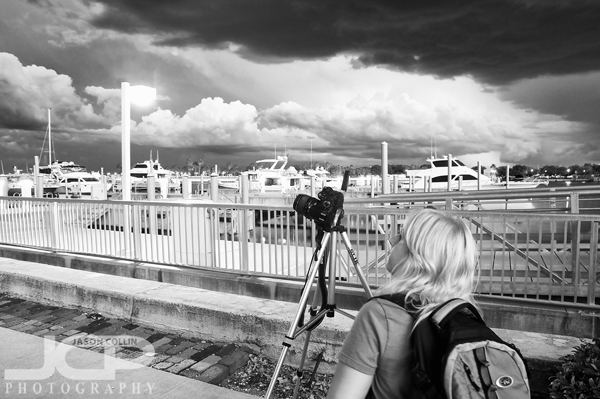
Lisa photographing a water spout during our stormy photography lesson in St. Petersburg FloridaFor our second of four 1-on-1 DSLR Photography Lessons in downtown St. Petersburg I met Lisa in the evening for a tripod focused photography lesson.  With sunset around 8:30pm, our 2-hour lesson would cover sunset through twilight through night.  However, Mother Nature provided a bit of a diversion in the form of a severe thunderstorm.  It was the loudest most powerful lightning I have felt in Florida in 15 years!  Before all that happened there was a waterspout staring us down and two funnel clouds floating overhead.  We stayed safe and out of danger, but we ended up getting a bit wet once the rain came before we got to cover.  All this made for quite an exciting lesson!

There were plenty of stormy skies to photograph before sunset, then of course the waterspout too.  So instead of a photographing a gentle sunset from Vinoy Park as I planned, we actually photographed the waterspout and then tried to get some lightning shots too.  It was the most exciting photography lesson in a long time!

Photography Tip - shoot in RAW to get greater details in shadows

One of the many advantages of shooting with a DSLR camera over a lot of point and shoot cameras and the cameras built into phones, is that you can shoot in RAW quality level.  However, by default DSLRs are usually set to shoot in only JPG mode, and not even the highest quality JPG images at that!

The photo above was made kind of by accident as I was testing shooting tethered to my MacBook Pro (hence it is just a photo of my laptop), but when I saw the results I thought this is a good example of why to shoot in RAW.  My Nikon D300 is always set to shoot in RAW + JPG (basic) mode.  So in one shot it makes two images, one RAW and one JPG.  So both photos above are actually a single shot, the top is the JPG result and the bottom is the RAW result (both just put into Aperture 3, no editing done).

One advantage of shooting in RAW is the much greater detail you can get in shadows.  Look at the keyboard in the JPG, you cannot even really see individual keys.  In the RAW image you can see them individually.  On the laptop screen look at the upper right corner.  In the RAW version you can see the grass on the side of the road.  In the JPG version it is pure black.  In the RAW photo you can see the dishwasher in my kitchen, in the JPG it is just a black blob under the window.  

Shooting in RAW is a great advantage if you do a lot of low light photography.  

1-on-1 Nikon D5100 DSLR Photography Lesson with Bob in St. Petersburg Florida

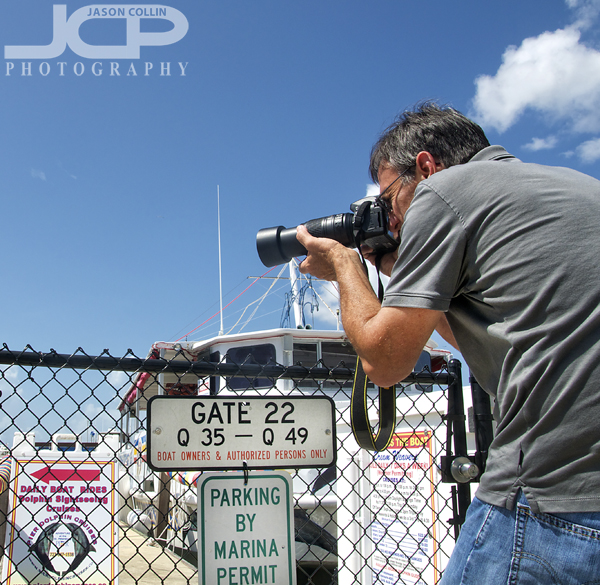
Bob using his Nikon D5100 with Nikkor 55-300mm lens during our St. Petersburg Florida photography lesson

On a sunny Friday Florida morning I met Bob in downtown St. Petersburg for a 1-on-1 DSLR Photgraphy Lesson to help him get off auto-mode on his Nikon D5100 and start taking control over his images.  Like many of my students, Bob has had a long interest in photography and owned point & shoot cameras, then decided to get more serious and got a DSLR.  Then he realized that shooting with a DSLR is a different world and that auto-mode is not producing the results he wants.  Hence, I promote my lessons as getting off auto-mode in 2 hours!

Bob had good photography knowledge already, so as I showed him how to change the necessary settings on his Nikon D5100 to make a well exposed and sharp shot in any shooting conditions, he was quicker on the uptake than average for knowing what to change to adjust final image results.  Though there are only five things you need to change, and I can describe what those five are in about 30 minutes, applying that knowledge in real shooting situations still takes a lot of practice, and I think also trust in the system I teach as well as trust in your DSLR photography gear.  

I look forward to seeing Bob's new sunset images and more now that he knows how to shoot in manual mode.

1-on-1 Nikon D5100 DSLR Photography Lesson with Lisa in St. Petersburg Florida

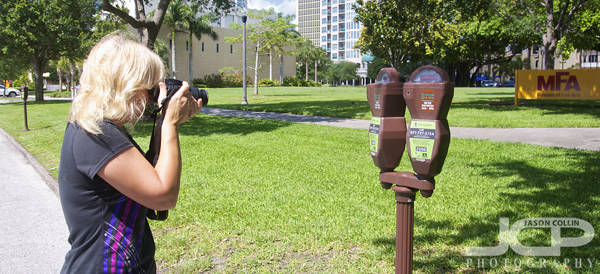
Lisa setting up her Nikon D5100 to eliminate the background (create bokeh) during our 1-on-1 photography lessonI met Lisa this very warm June morning for our first of four 1-on-1 DSLR Photography Lessons in downtown St. Petersburg Florida.  Lisa has been a DSLR owner for a long time, starting with a Nikon D40x.  She now also has a Nikon D5100, but over all these years she was still just shooting on auto-mode.  This morning we started to remedy that as I began to teach her my 5-step process for shooting in manual exposure mode.  

After showing Lisa around her Nikon D5100 body and how to change aperture, shutter speed, etc my first shooting tip was to whenever possible always try and get your back to the sun and have your shadow point at the subject in order to produce the best possible exposure.  When photographing the parking meters above, Lisa has her back to the sun giving herself the best chance of getting a good exposure.  The first shot made facing the other way produced a silhouette of the meters.  There are many simple things about photography that can be done to improve your final images.

Our second lesson next week will be mostly at night learning how to make cool long exposure photographs.