
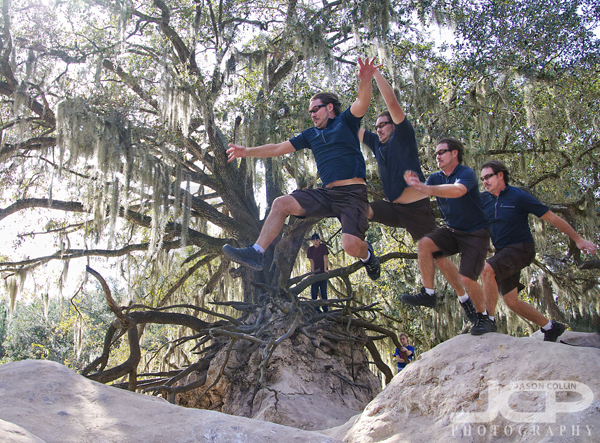
 Yours truly leaping a chasm! This is a blending of 4 different action shots using a simple layer mask technique.In case you missed it last week, I do take time away from being behind the camera to continue my love of rock hopping and leaping objects (see here). I made the leap over the above chasm-ish span several times each time trying to go further. I did not actually move fast enough to be seen multiple times in 1/500th of a second. How I made the above image was to combine four of the shots taken in one burst of shots on my Nikon D300 (capable of 6 frames per second). Since the DSLR was on a tripod all the background matched up perfectly, as does the exposure since that was set manually. The only thing moving over the series of shots was me. Then, it was just a matter of using layer masks in Photoshop to produce the multiple exposure, or Matrix, looking image.
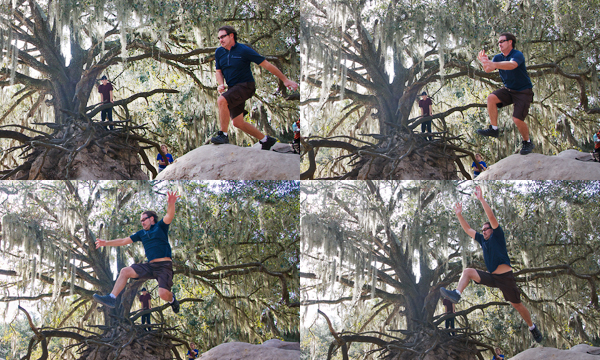 These shots layered on top of each other produced the above shot.Using layer masks to blend multiple images is not a difficult type of digital photography editing. I have written a tutorial on how to use layer masks here. Give this photography tip a try and post your results in the comments below!
